

WhatsApp Business Console
One web console to log, send and schedule your business WhatsApp messages, with optional AI
A web console for a business WhatsApp number. It keeps a searchable log of every message and contact, lets your team send messages by hand or on a schedule, and adds an AI chat for drafting. An optional AI auto-reply can be switched on with your own instructions.
What it does01
- Logs incoming and outgoing messages from one-to-one chats and groups in one place
- Builds a contact list automatically as people message you
- Sends messages by hand from the browser
- Schedules recurring messages, such as reminders, with a run history for each one
- Includes an AI chat for drafting replies and messages
- Offers an AI auto-reply for one-to-one chats, off until you switch it on and set its instructions
Example conversation02
Illustrative example
Human vs agent03
Same taskOne month of customer reminders and records
≈ 6 hstaff time
- Remember to send each reminder on the right day
- Copy chats with 200 customers into a spreadsheet
- Scroll back through the phone for past messages
≈ 40 minstaff time
- You write the message once and set the schedule
- Console sends on time and logs every message
- You check the run history and search the log
Contact list builds itself as customers message you
Saves ≈ 89% of staff time
Estimates for one typical task, based on how the workflow runs. Actual results vary.
Ad-hoc AI vs our agent workflow04
The same task, done by prompting a general chatbot by hand versus through the agent’s set workflow.
Tokens per task
Right first time
- Chat history pasted in to draft each message
- Chat exports pasted in to tidy into records
- Nothing sends itself, so dates are easily missed
Tokens per task
Right first time
- Each scheduled send records when it ran and if it worked
- Every message and contact is saved automatically
- Auto-reply is off by default and never answers groups
No AI is 100% reliable. When a run fails, the agent retries automatically or hands it to a person.
Estimates for one typical task, based on how the workflow runs. Actual results vary.
How it works05
- Step 1
Messages arrive on your business WhatsApp number
- Step 2
Each message and contact is saved to your own database
- Step 3
Your team reads and filters the log in the web console
- Step 4
Replies go out by hand, on a schedule or via AI auto-reply
- Step 5
Every sent message is logged alongside the conversation
Why it's trustworthy06
- AI auto-reply is off by default and never answers in groups
- Messages are kept in a database separate from other clients
- Every scheduled send records when it ran and whether it succeeded
- Works alongside other assistants on the same number, so you see every reply they send
Good for07
- Small businesses that run sales or service on WhatsApp
- Teams sending regular reminders to customers or members
- Businesses that want a record of every WhatsApp conversation
Want an agent like WhatsApp Business Console?
Tell us the job you need done. We will design the agent, its limits and its human handover with you.
More agents
All agents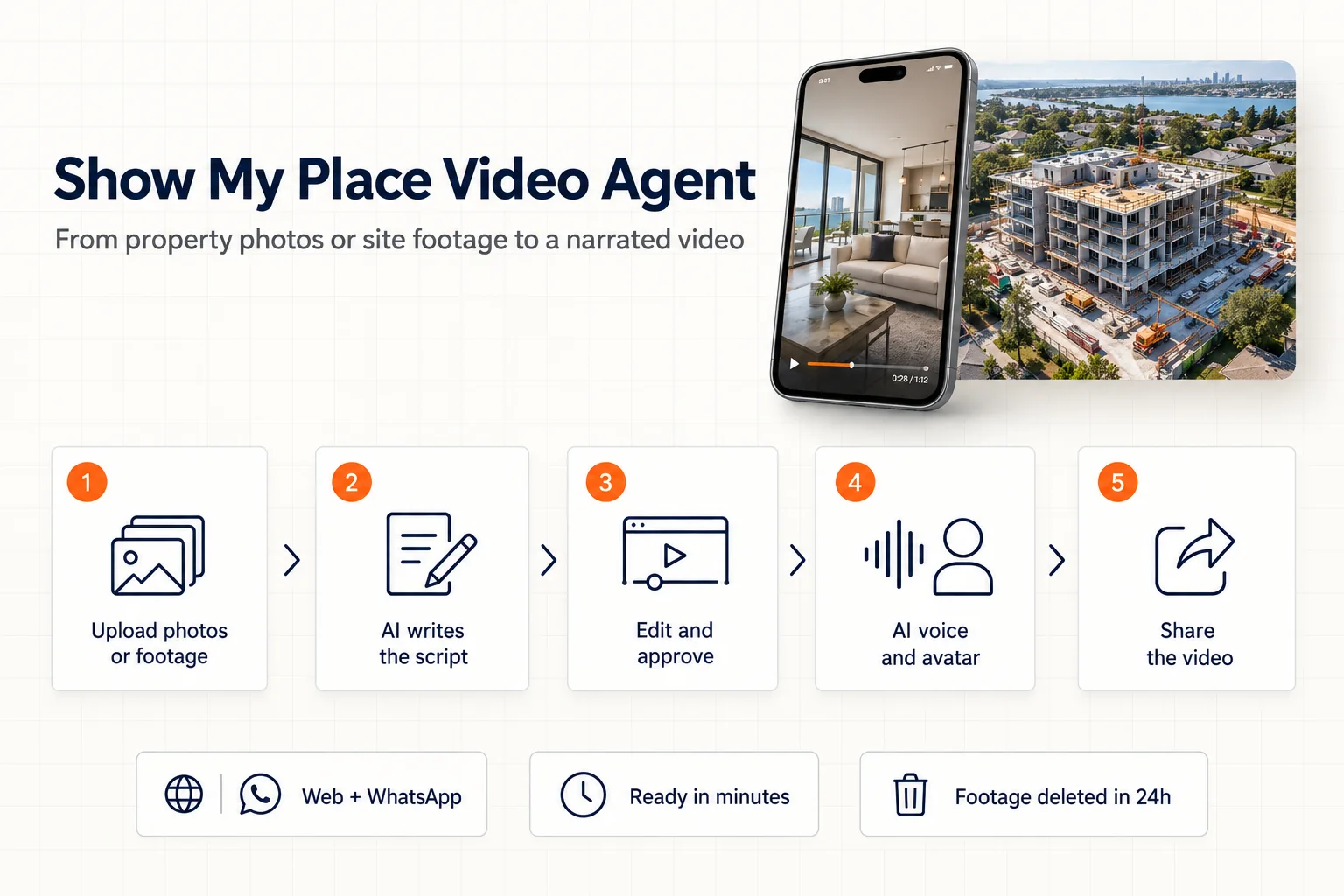
Show My Place Video Agent
LiveTurns property photos or site footage into a narrated, share-ready video in minutes
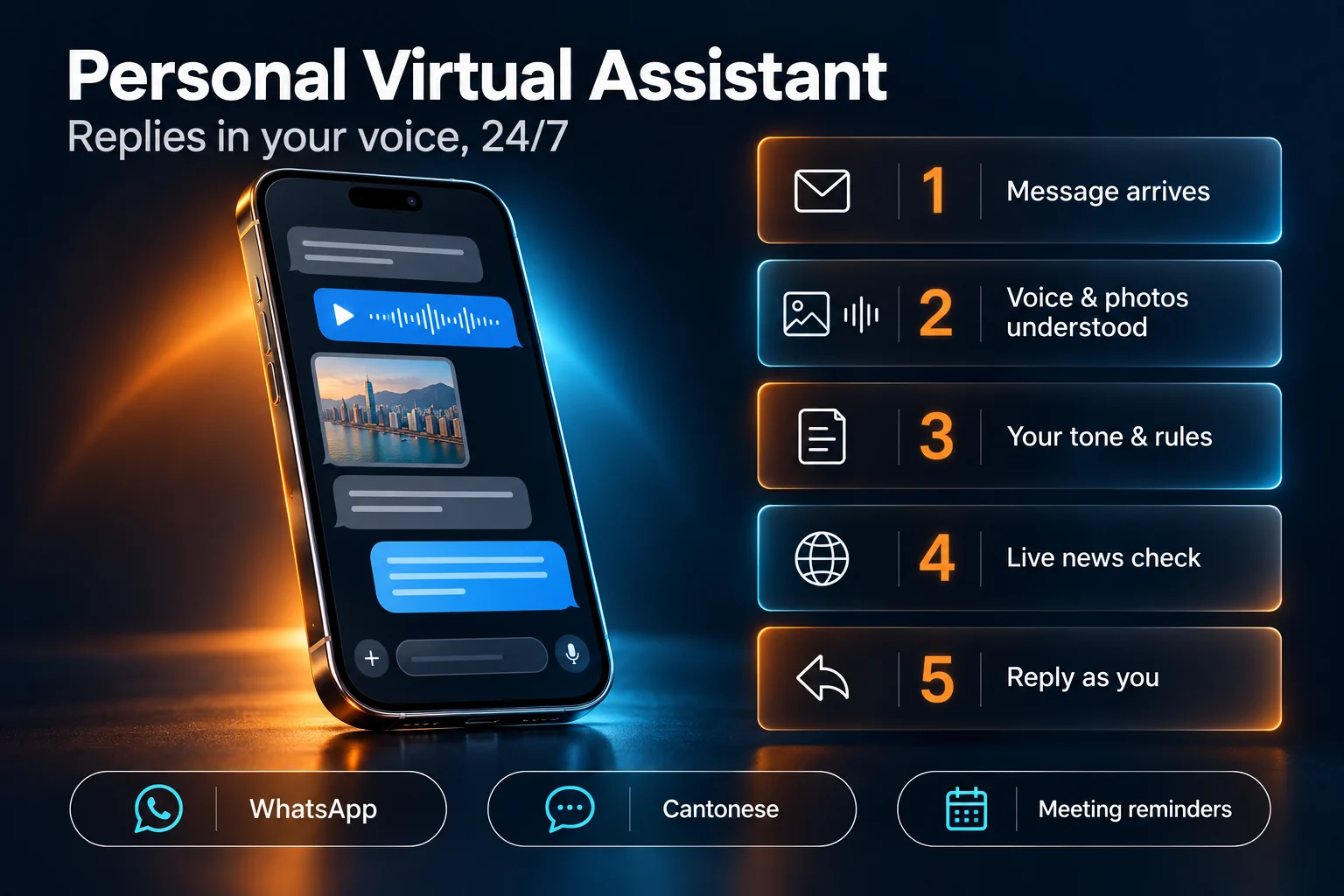
Personal Virtual Assistant
LiveReplies on WhatsApp in the owner's own voice and Cantonese style, 24/7
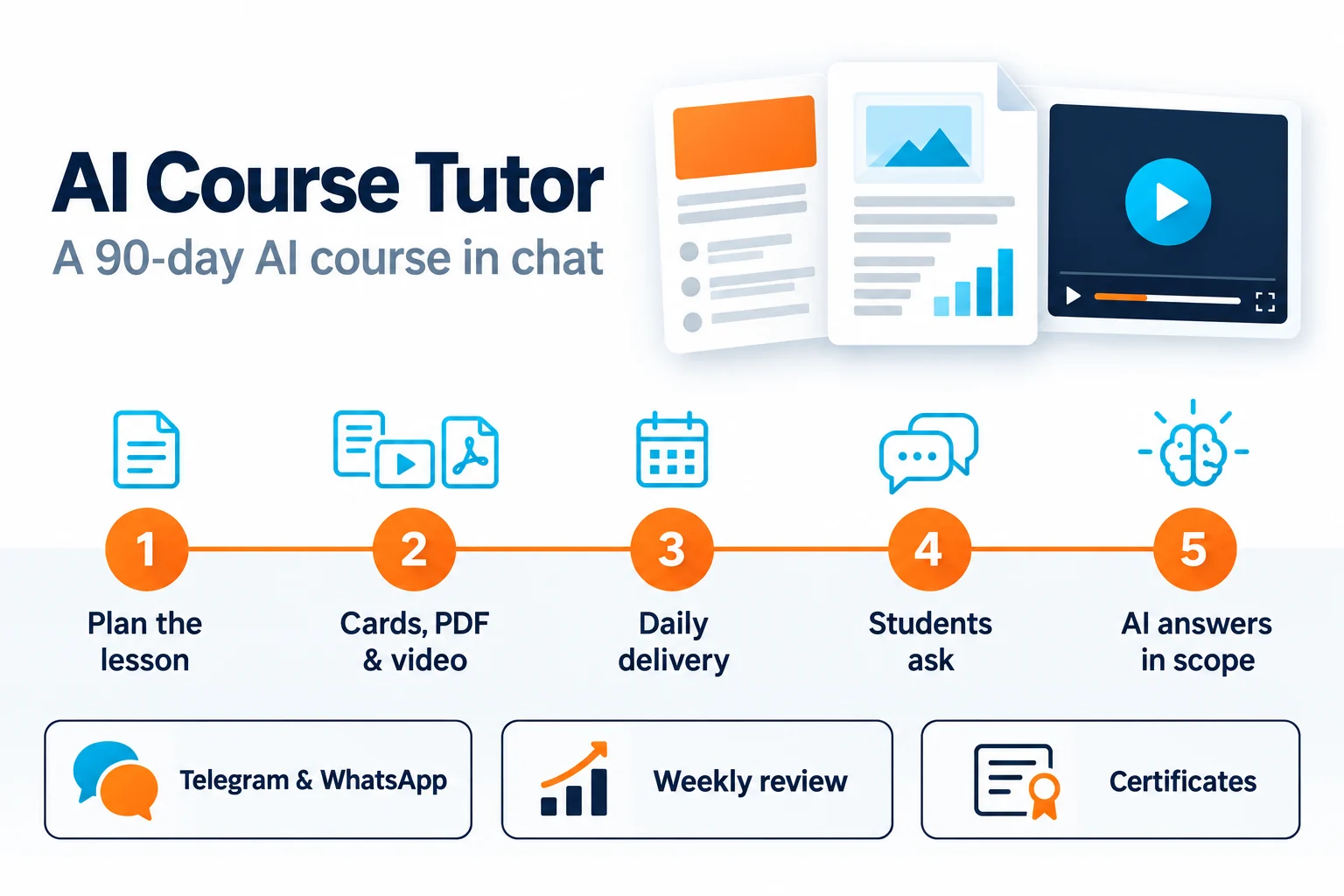
AI Course Tutor
LiveRuns a 90-day AI course in chat: daily lessons, Q&A and graduation certificates