
Most teams in Hong Kong already use ChatGPT for something: an email draft, a summary, a translation. So when we suggest building an AI agent, the first question is usually fair: why not just use ChatGPT?
The short answer: for one-off work, ChatGPT is often the right tool. For work that repeats every day, has to use your own data or tools, and has to land somewhere reliably, a purpose-built agent usually costs less and fails less. This guide explains where the line is.
AI agent vs ChatGPT: what is the actual difference?
Both use the same kind of large language model. The difference is who runs the process.
- With ChatGPT, you are the workflow. You decide what to ask, paste in the material, read the answer, fix it, and copy it to wherever it needs to go. Every run starts from a blank chat.
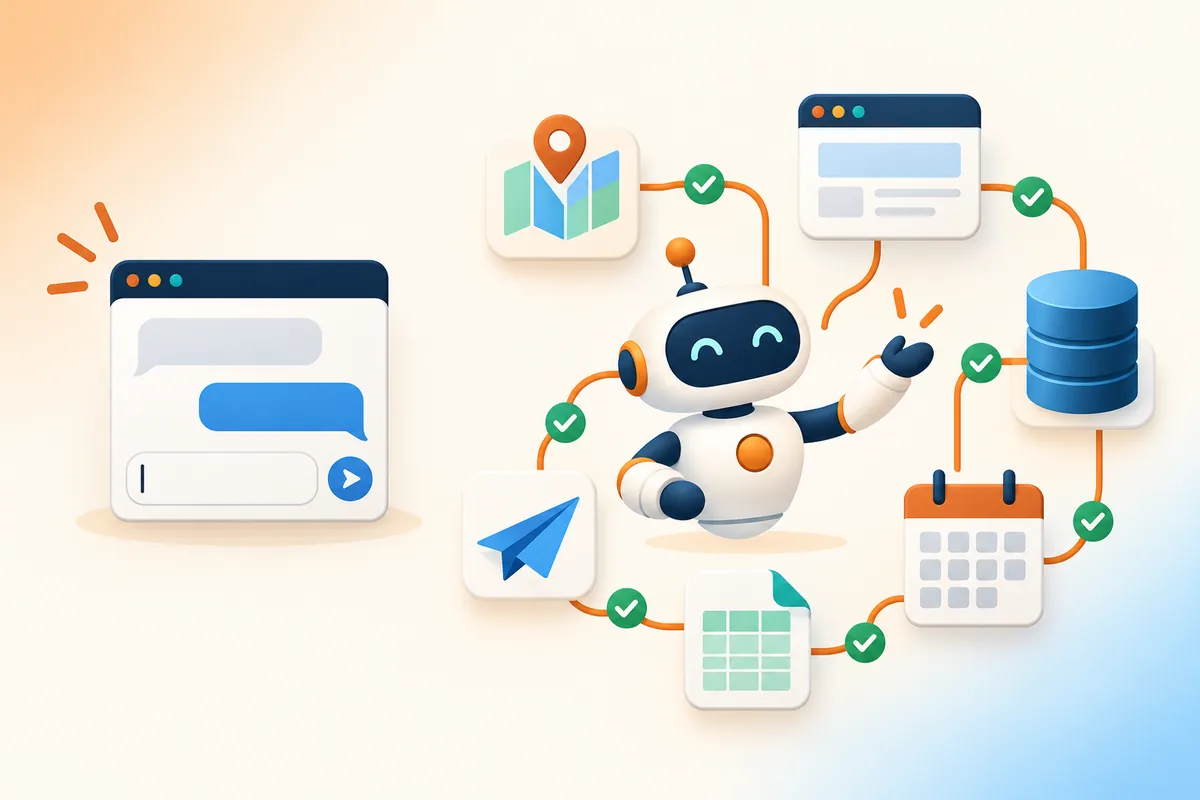
- With an AI agent, the workflow is written down once. The agent knows the steps, calls the tools it needs (a map search, a real browser, your database, a scheduler), checks its own output, and delivers the result where your team already works, such as WhatsApp, Telegram or a CSV file. Each run is logged.
An agent is not a smarter model. It is the same model inside a process that someone designed, tested and keeps maintaining.
When ChatGPT is enough
Stay with a chat tool when most of these are true:
- The task is one-off or occasional, not daily.
- The input is small and you can paste it in.
- The work needs your judgement at every step, such as a sensitive email or a strategy draft.
- You read the result straight away, so mistakes are caught before they matter.
- Nothing has to happen after the answer: no posting, filing or sending.
For this kind of work, building an agent is overkill. A good prompt and a clear company policy on what data may be pasted in are enough.
When an AI agent is worth building
The case for an agent gets stronger with each of these signals:
- It repeats. The same job runs daily or weekly, and someone is re-typing the same prompt.
- It needs data or tools outside the chat. Maps, live websites, your customer list, a calendar.
- The output has to land somewhere. A post goes out, a reminder is sent, a file is saved.
- A silent mistake is costly. You need a record of what ran, what it produced and whether it worked.
- More than one person depends on it. The process should not live in one person's chat history.
If three or more apply, the task is a good candidate for a workflow.
What the numbers say: token cost and success rate
Each of our agent pages compares two ways of doing the same task with AI: pasting it into a chatbot step by step ("ad-hoc"), and running it through a designed workflow. The figures below are our estimates for one typical task, the same ones shown on those pages. They are not measured client results, and real numbers depend on the task.
| Task | Ad-hoc chat: tokens / success | Agent workflow: tokens / success |
|---|---|---|
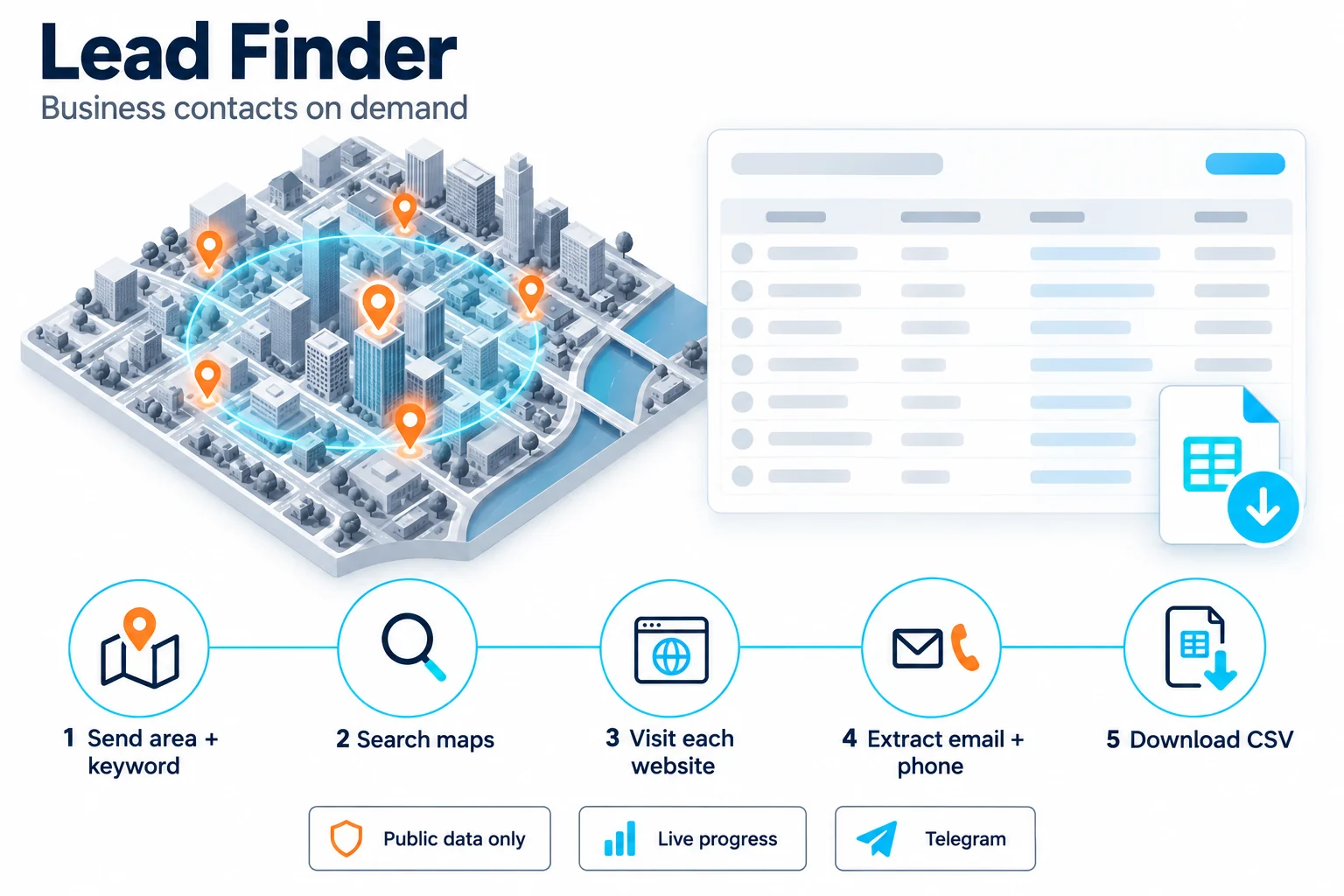
| A list of 100 business leads (Lead Finder) | ~200,000 / 48% | ~40,000 / 87% |
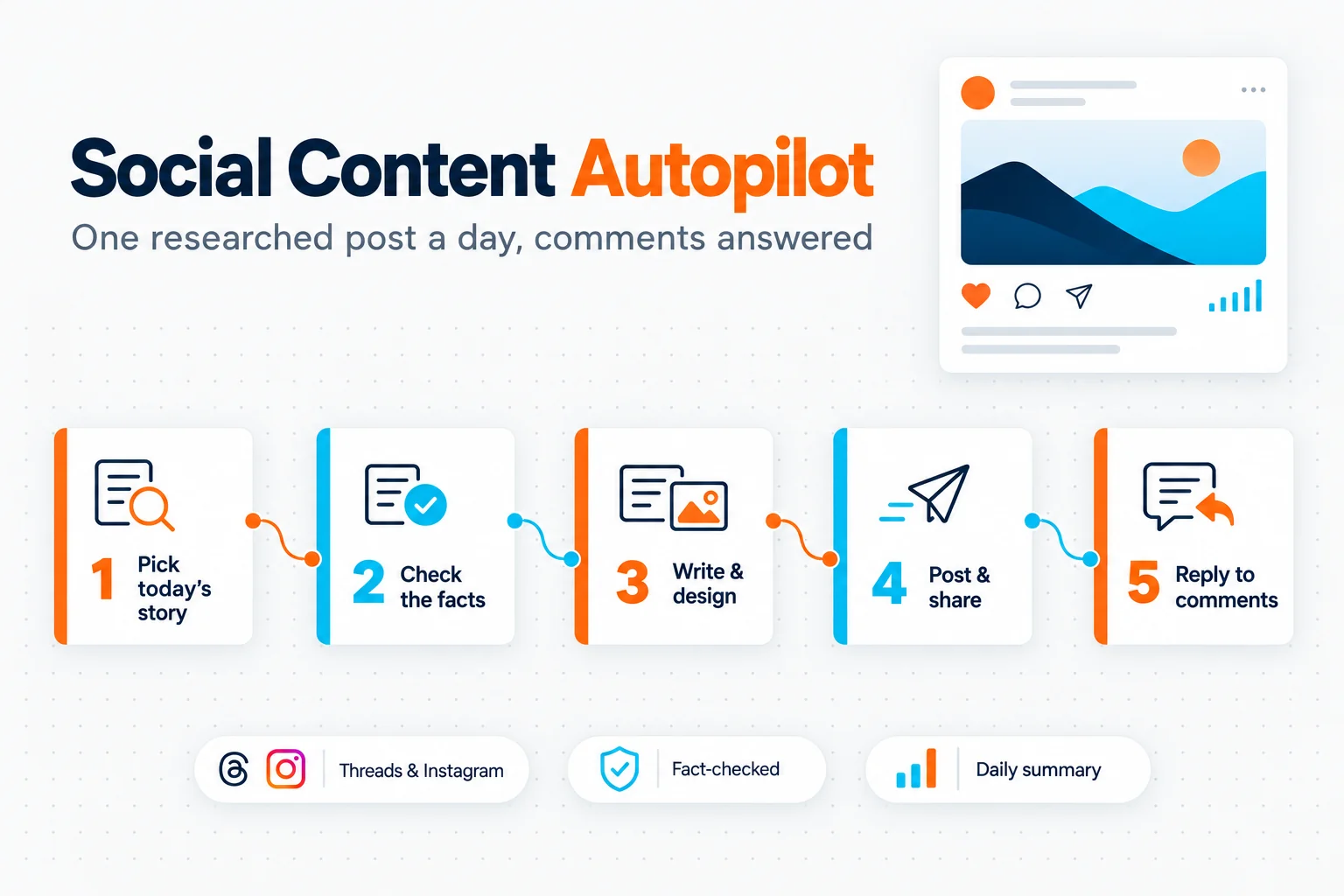
| One researched, designed post a day (Social Content Autopilot) | ~120,000 / 45% | ~45,000 / 91% |
| One 60-second story video (Story Video Studio) | ~80,000 / 40% | ~25,000 / 85% |
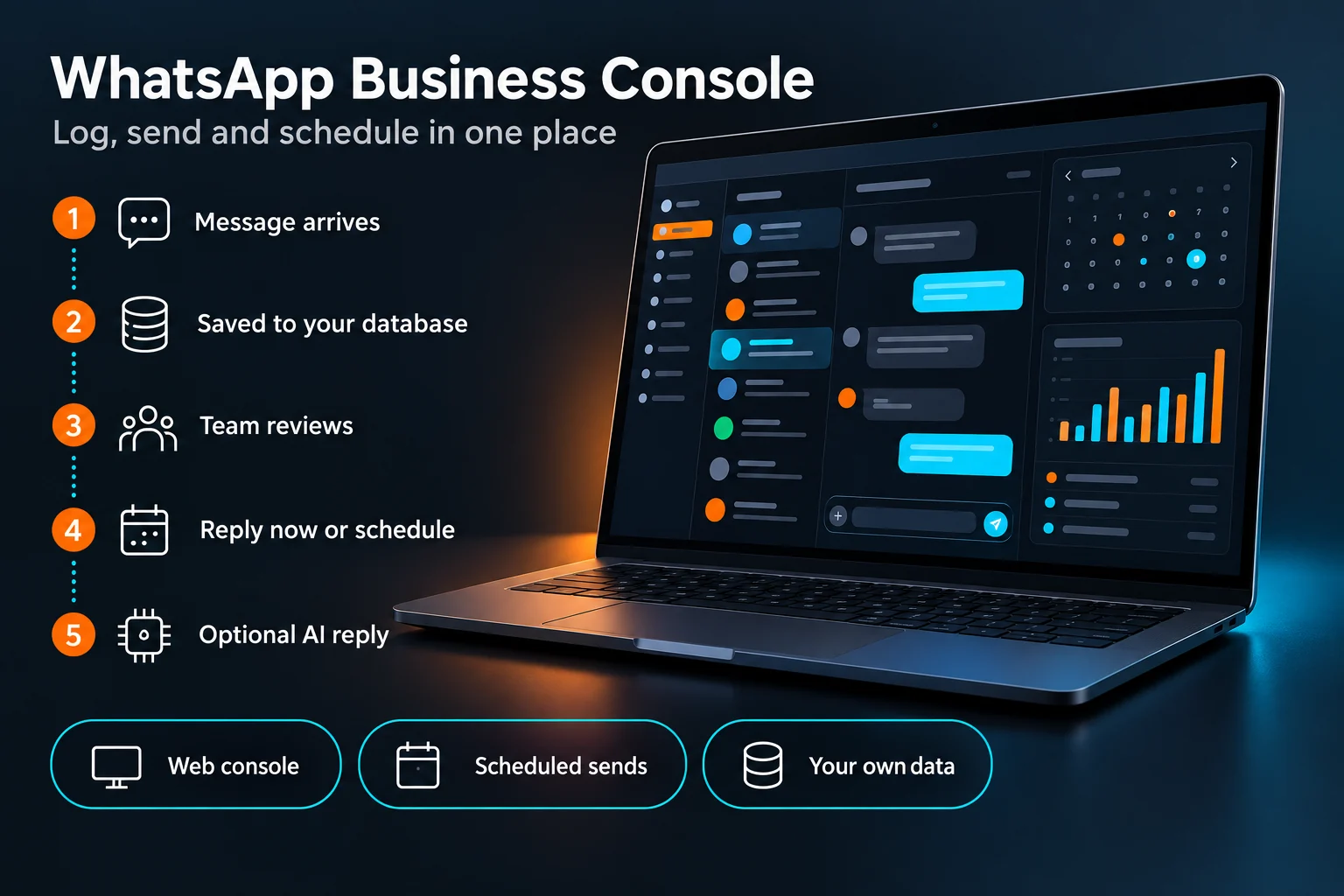
| One month of customer reminders and records (WhatsApp Business Console) | ~30,000 / 70% | ~8,000 / 95% |
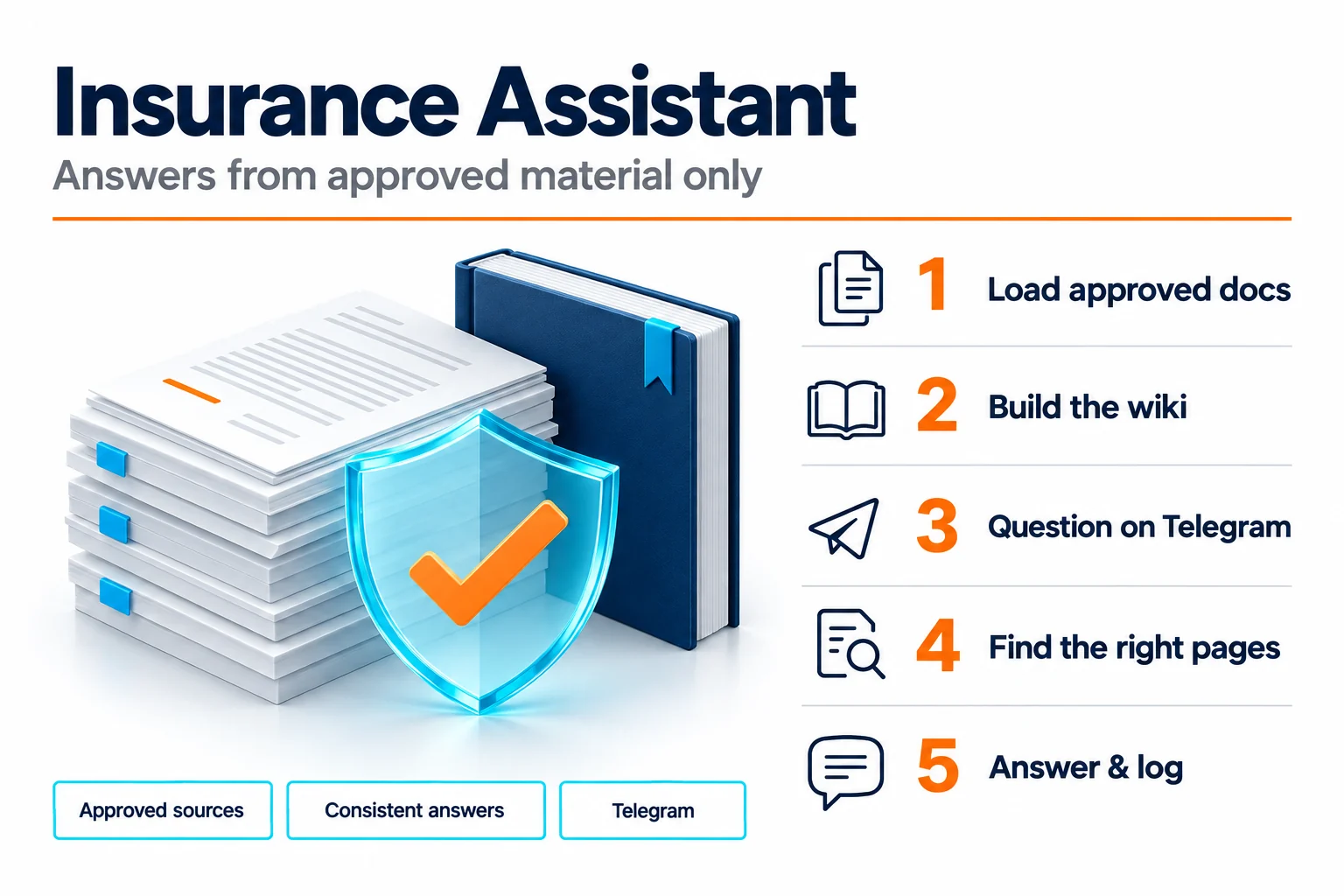
| One product question answered from brochures (Insurance Assistant) | ~15,000 / 62% | ~4,000 / 94% |
Why the gap? In an ad-hoc chat, whole web pages and long chat histories get pasted in again and again, and every token of that is paid for. A chatbot also tends to stop early, guess missing details or lose track of a long task. A workflow sends each step only what it needs, uses real tools instead of guessing, and checks the result before moving on.
Agents are not 100% reliable either
Look again at the right-hand column: even a good workflow does not succeed every time. Sites change, a video render fails, a source is unclear. A well-built agent plans for this:
- Retries for steps that fail for temporary reasons.
- A human check where a mistake would be visible to customers, such as approving a post before it goes out.
- Logs and alerts, so a failed run is noticed the same day, not a month later.
- A hand-over to a person when the agent is unsure, especially with customers.
If someone promises you an agent that never fails, ask how they find out when it does.
A five-minute test for your own tasks
Take one task your team does often and answer:
- How many times a week does it happen?
- Does it need information from outside the chat window?
- Where does the result have to go?
- Who checks the result today, and how long does that take?
- What happens if it goes wrong and nobody notices?
A frequent task with a clear destination and a real cost of failure is where AI agent development pays back. A rare task that needs your judgement is better left to a chat tool.
Where to start
The best agents often start as a ChatGPT habit. Someone finds a prompt that works, uses it every day, and the team realises it should run on its own. That is the moment to turn it into a workflow.
If you are not sure which of your processes qualify, our AI transformation work starts with exactly that question: which tasks to leave with people, which to give a chat tool, and which deserve an agent.