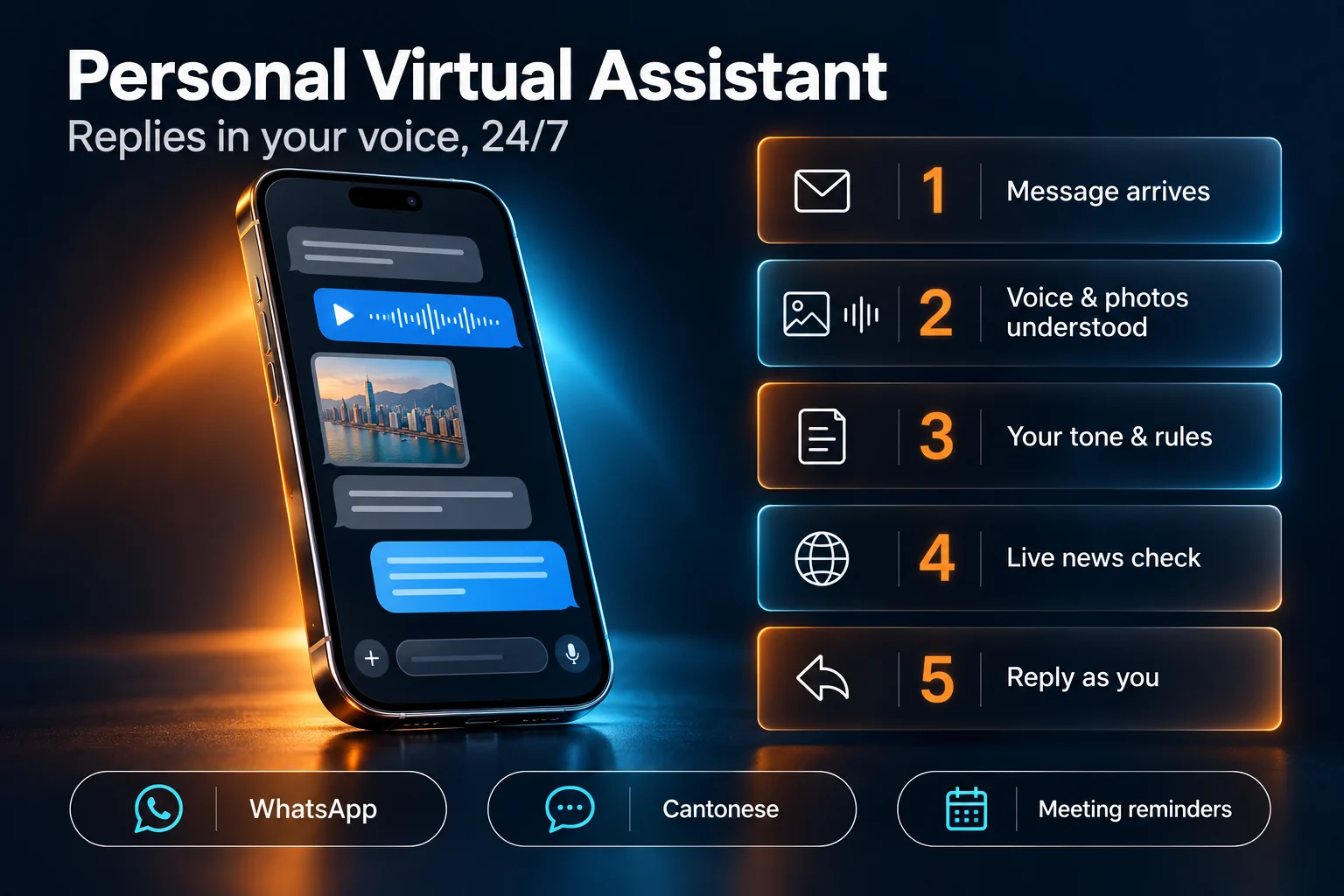

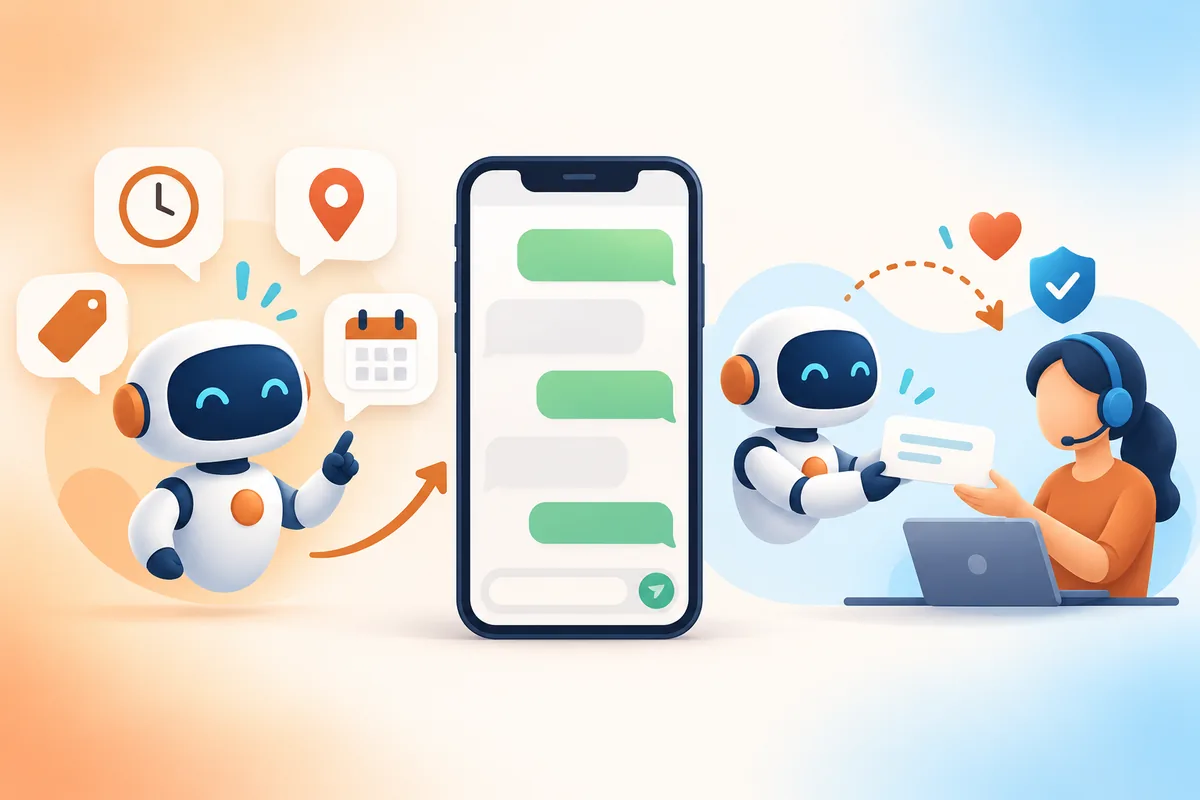
In Hong Kong, WhatsApp is where customers ask about prices, book appointments, chase orders and complain. For a small team, that means one phone, dozens of chats a day, and messages that get missed when everyone is busy.
A WhatsApp AI agent for business can help, but a wrong answer sent in your company's name does more damage than a slow one. This guide covers what to automate first, what should always reach a person, and the rules we build into every WhatsApp setup.
Start with a log, not a bot
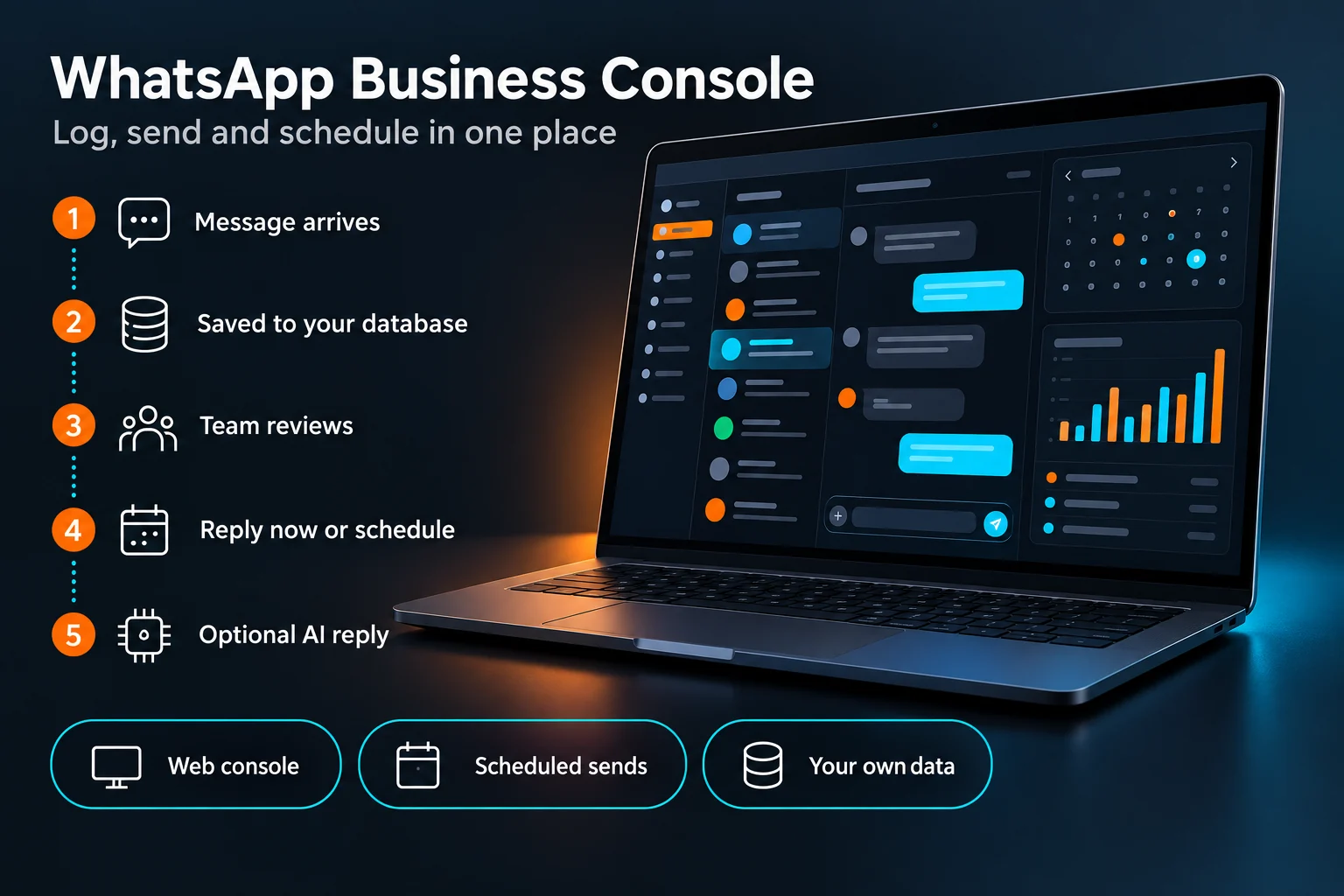
The first problem most teams have is not answering. It is keeping track: who asked what, what was promised, and who still needs a reply. Before switching on any AI replies, get the basics in place:
- A searchable record of every conversation and contact, outside one person's phone.
- Scheduled messages for reminders you send every week or month.
- A clear view of which chats are still waiting for an answer.
That is why our WhatsApp Business Console starts as a log and a scheduler, and treats AI as optional. We estimate it reduces a month of customer reminders and record-keeping from about 360 minutes of manual work to about 40. That is an estimate for a typical small business, not a measured result, but most of the saving comes from the log and the schedule, not the AI.
What AI can handle safely
Once the log is in place, AI works well for questions with one correct answer that you have already written down:
- Opening hours, address and directions
- Prices and packages from an approved list
- Appointment and payment reminders
- "Has my order shipped?", when the answer comes from your own system
- Common product questions answered from approved material
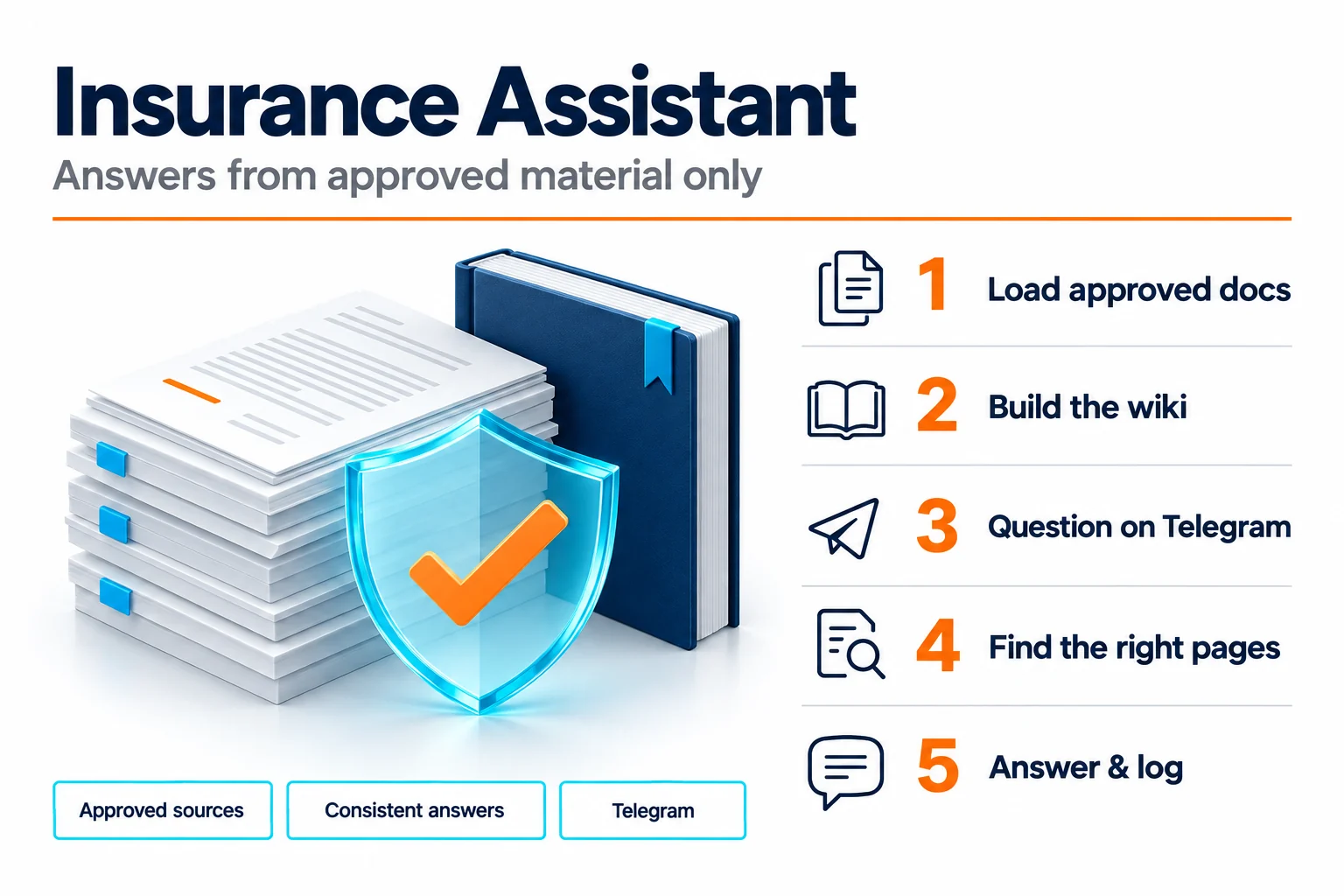
The key phrase is approved material. Our Insurance Assistant, for example, answers product questions only from brochures and FAQs its owner has approved, and every answer can be traced back to its source. If the answer isn't in the material, the assistant should not invent one.
AI is also useful behind the scenes before it ever replies to a customer: drafting a reply for a staff member to check and send, summarising a long chat, or tagging messages by topic.
What should always go to a person
Some conversations should never be answered by AI alone:
- Complaints and angry customers. They want to be heard by a person.
- Refunds, discounts and anything involving money.
- Promises the business must keep: delivery dates, exceptions, legal or contract questions.
- Advice specific to one person, such as health, insurance cover or financial suitability.
- Anything the AI is unsure about. A good setup passes it on rather than guessing.
- Group chats. Context is messy and a wrong reply is seen by everyone.
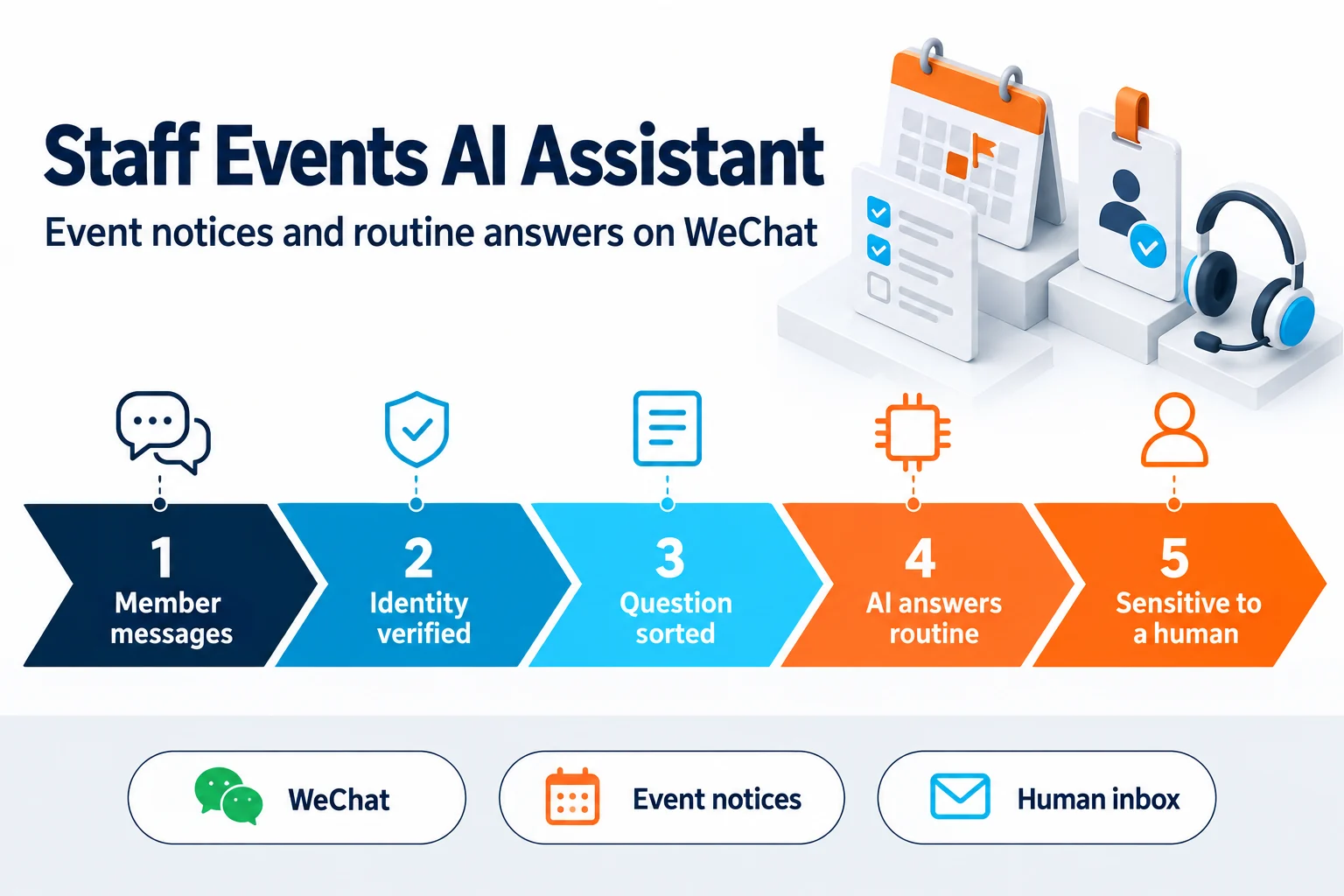
Hand-over should be a rule built into the system, not just an instruction in a prompt. In our Staff Events AI Assistant, for example, questions about employment records are blocked by hard-coded rules before they can reach the AI model, and anything uncertain goes to a human inbox.
Six rules we build into every WhatsApp setup
- Auto-reply is off by default. The business turns it on deliberately, for chosen topics.
- No replies in groups.
- Answers come only from approved material.
- Every message is logged, whether a person, a schedule or the AI sent it.
- A clear hand-over path to a named person, with the chat history attached.
- Customers know when they are talking to an assistant. Being upfront builds more trust than pretending.
WhatsApp and privacy rules to check
Before automating, check the platform and legal basics:
- Opt-in. Message customers who have agreed to hear from you, and make it easy to stop.
- Business-initiated messages. On Meta's official WhatsApp Business Platform, messages you start outside the 24-hour window after a customer's last message must use pre-approved templates. Meta updates its policies regularly, so check the current rules for your setup.
- Personal data. Under Hong Kong's Personal Data (Privacy) Ordinance, collect only what you need, tell customers how it is used, and keep chat records secure. Know where your AI provider processes the data.
A 30-day rollout
- Week 1: log and tag. Capture every chat, then tag the 10 most common questions.
- Week 2: write the answers. Turn those questions into approved answers your team agrees on.
- Week 3: AI drafts, people send. Staff review every AI draft before it goes out, and you fix the answers that needed editing.
- Week 4: switch on auto-reply for the top few questions only. Review the log daily and widen the scope slowly.
Done this way, customers get faster answers to simple questions, and your team has more time for the conversations that need a person. If you want help setting this up, our AI agent development team builds WhatsApp assistants for Hong Kong businesses.